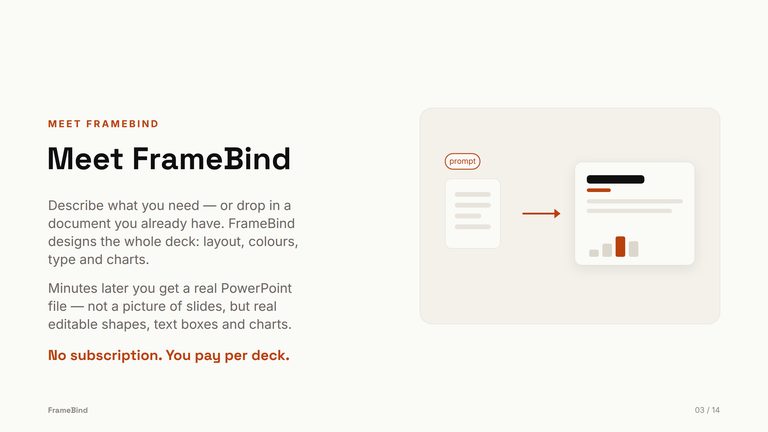
Give it a PDF, a DOCX, or a topic. Get back a real .pptx — every shape, chart, and text box is yours to edit in PowerPoint, Keynote, or Slides. No web editor. No watermark.
5
6
7
8
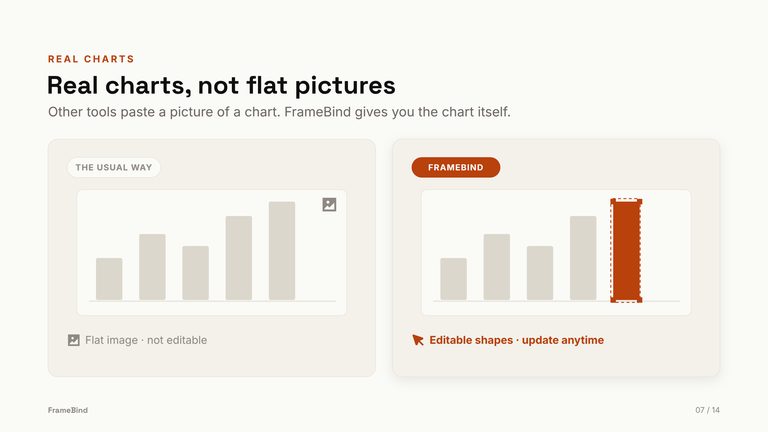
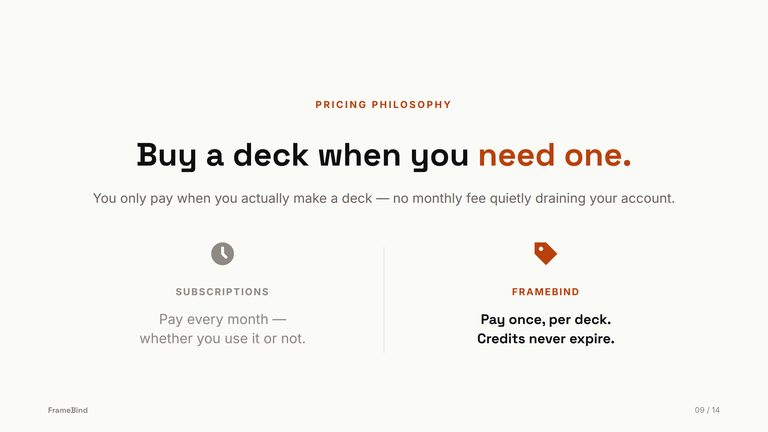
9Hover the slide — FrameBind's shapes select individually; the “usual way” chart is one flat image.
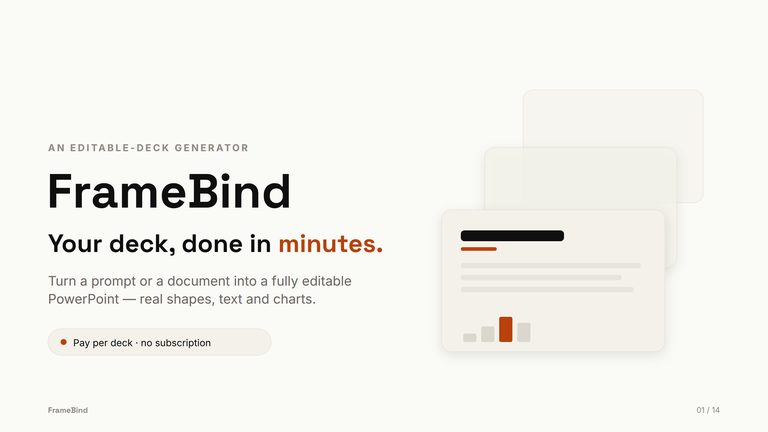


One unedited pass: a prompt goes in, the plan gets approved, and the finished .pptx opens in PowerPoint — every object editable.
Demo film coming shortly — 45 seconds, unedited
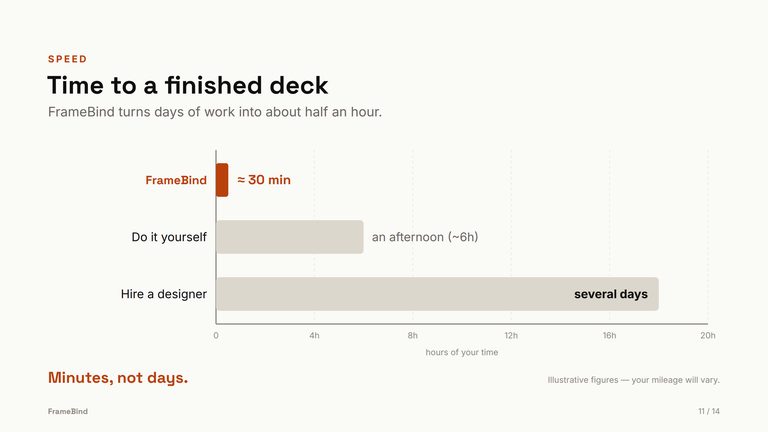
Four steps from a source file to a finished, editable .pptx — and you're only hands-on for two of them. Most decks are ready in 25–40 minutes, and everything runs in the background with email updates, so you never have to babysit a tab.
A PDF or DOCX up to 50MB, a typed topic, or both. Give it only a topic and it researches the subject on the web before planning.
Before anything generates, you get a full spec to edit — audience, slide count, exact color roles, title and body fonts, icon set, image approach, and a slide-by-slide outline. Nothing builds until you confirm.
Each slide is generated as vector layout, run through an automated quality pass — text overflow, color and font drift, image fit — then converted into native .pptx objects.
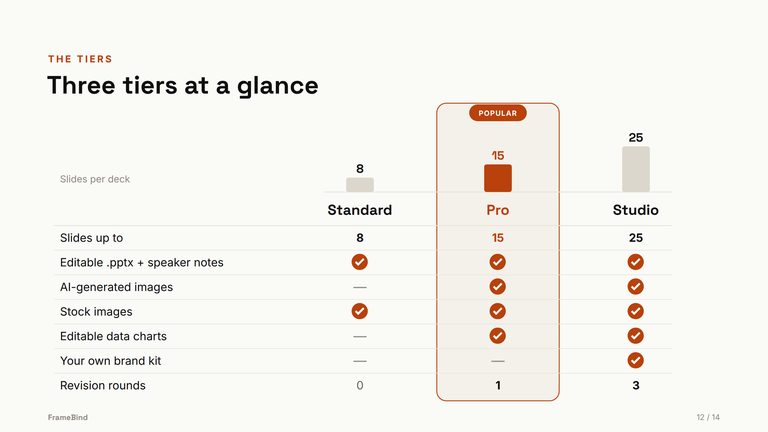
On Pro and Studio you mark up the live draft — “use the blue from slide 2”, “this number is wrong” — and it re-applies and re-exports. Download a clean .pptx. No watermark, no proprietary format.
Most AI slide tools hand you a viewer and a login. FrameBind hands you a file. Open it, edit it, send it — no proprietary format, no re-export step, no watermark.
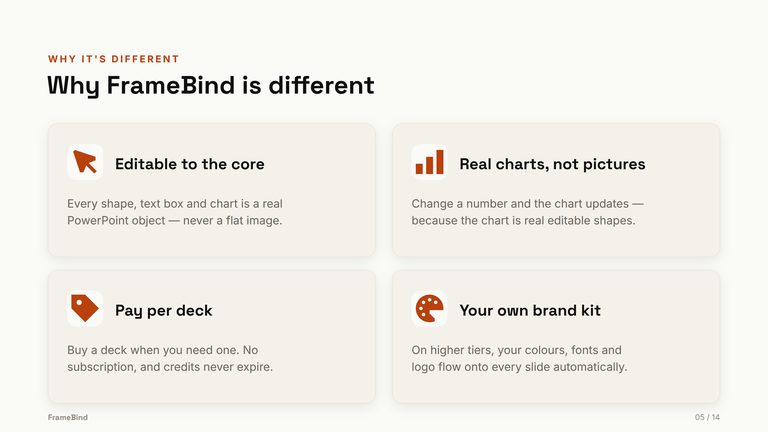
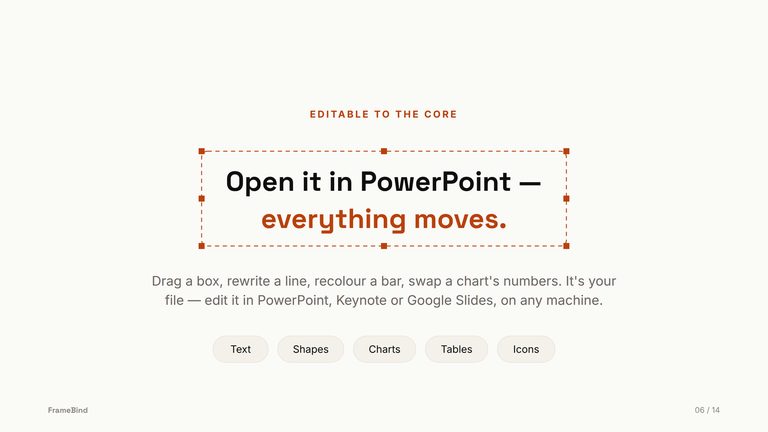
Every shape, text box, and table is a real .pptx object, and charts are real PowerPoint charts with an editable data table — change a number and the chart redraws. Not flat images, not screenshots. Click anything, retype it, restyle it, drag it.
You lock the audience, palette, fonts, icons, and full slide outline up front, and can revise the plan as many times as you need. Generation only starts once the plan is yours — so you're not regenerating a whole deck to fix one decision.
Every purchasable deck ships with no watermark and no "Made with…" footer, in a standard .pptx that lives on your machine — not behind someone's web editor. Rename it, send it, hand it to a client as-is.
Four real decks generated by FrameBind — a team handbook, a science explainer, a product deck, and an on-brand quarterly-results deck with charts. Each one downloads as a fully editable .pptx, exactly as shown.
Don't take our word for “editable”. Download the FrameBind deck above as a .pptx and open it in PowerPoint — click any shape, edit any chart's data.
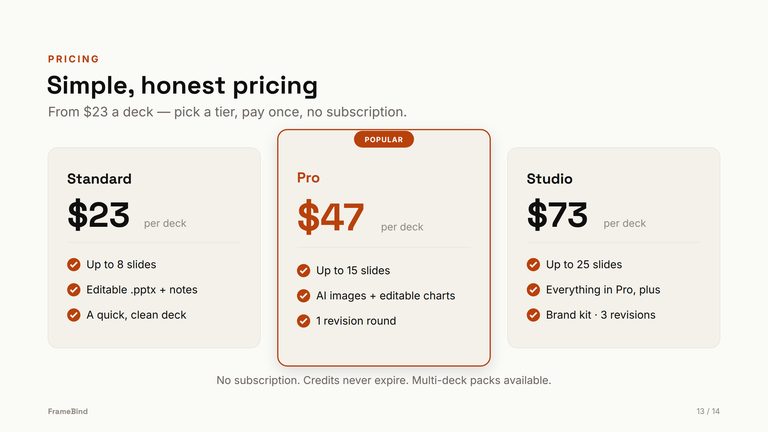
Download sample .pptx94 KBPay per deck — no subscription. Buy any tier as a single deck, or in 3- and 10-packs at a lower per-deck rate; credits never expire. Any deck that fails delivery refunds its credit automatically, and unused credits are money-back within 14 days. All prices include VAT / sales tax — the number you see is the number you pay.
One reviewed plan, one clean build.
3-pack $59 · 10-pack $155 ($15.50/deck)
Adds AI images and real, data-editable PowerPoint charts.
3-pack $119 · 10-pack $335 ($33.50/deck)
Your brand applied across the whole deck.
3-pack $189 · 10-pack $529 ($52.90/deck)
“FrameBind is new — you won't find a wall of logos here. What you will find is every example deck on this page generated by the actual product, a sample .pptx you can open before paying, and a guarantee I can stand behind: if a deck fails, the credit comes back automatically, and unused credits are money-back within 14 days. If something isn't right, email me and a human — me — will fix it.”
Couldn't find what you need? Email contact@framebind.com — a person reads every message within 24 hours.
Decks from $23 — no subscription. If it isn't sharper than two hours of your own work, we'll make it right.